Python Programming Assignment Help for Beginners
Python is one of the friendliest languages to learn, yet your first assignments can still feel overwhelming when errors pile up and the brief seems written in another language. This guide walks you through reading the task, planning your logic, and fixing the mistakes that trip up almost every beginner.
Whether you are staring at a blank code editor or a screen full of red error messages, quality Python programming assignment help can turn frustration into understanding. Below you will find practical steps, common pitfalls, and a clear sense of when it makes sense to ask for support.
Why Python Programming Assignment Help Matters for Beginners
Python has become the default first language in thousands of schools and universities, and for good reason. Its syntax reads almost like plain English, it forgives many of the mistakes that punish learners in other languages, and it powers real work in data science, web development, automation, and artificial intelligence. That popularity means your very first coding course probably assumes Python, and your grades increasingly depend on writing code that actually runs.
The catch is that programming asks you to think in a new way. Reading about a loop is easy. Writing a loop that produces the correct output, handles edge cases, and does not crash on unexpected input is a different skill entirely. Many beginners understand each concept in isolation but freeze when they have to combine variables, conditions, loops, and functions into a working program that satisfies an assignment brief.
Python programming assignment help exists to bridge that gap. Good help does not simply hand you an answer. It shows you how an experienced coder would approach the problem, where beginners typically go wrong, and how to build the habits that make future assignments easier. The goal is not just to finish this one task but to leave you more capable for the next.
Key idea: The best help teaches you to fish. If you finish an assignment without understanding how it works, you will hit the same wall on the next one and on your exam. Aim for solutions you can explain in your own words.
How to Read a Python Assignment Brief Correctly
Most beginner mistakes happen before a single line of code is written. Students skim the brief, start coding the first thing they see, and only later realize they misread the requirements. Reading carefully is the cheapest way to save yourself hours of rework.
Identify the exact output required
Programming briefs are precise. If the task says the program should print a number rounded to two decimal places, then 3.14159 is wrong even if your calculation is correct. Look for the specific format, the exact wording of any messages, and whether the marker expects a printed result, a returned value, or a saved file. Copy these requirements into a comment at the top of your file so you do not lose track of them.
Separate inputs, processing, and outputs
Almost every program follows the same shape: it takes some input, processes it, and produces output. Before writing anything, ask three questions. What data comes in? What transformation happens in the middle? What comes out at the end? Answering these turns a vague assignment into a concrete plan.
Note the constraints and restrictions
Assignments often forbid certain shortcuts to make you practice a skill. You might be told to avoid a built-in function, to use a loop instead of a library, or to keep everything in one file. Ignoring these constraints is one of the fastest ways to lose marks even when your program works perfectly, so highlight every restriction before you start.
Try this: After reading the brief, explain the task out loud as if teaching a friend. If you cannot describe what the program should do in plain language, you are not ready to code it yet. This one habit prevents most misdirected effort.
Plan Your Logic Before You Write Code
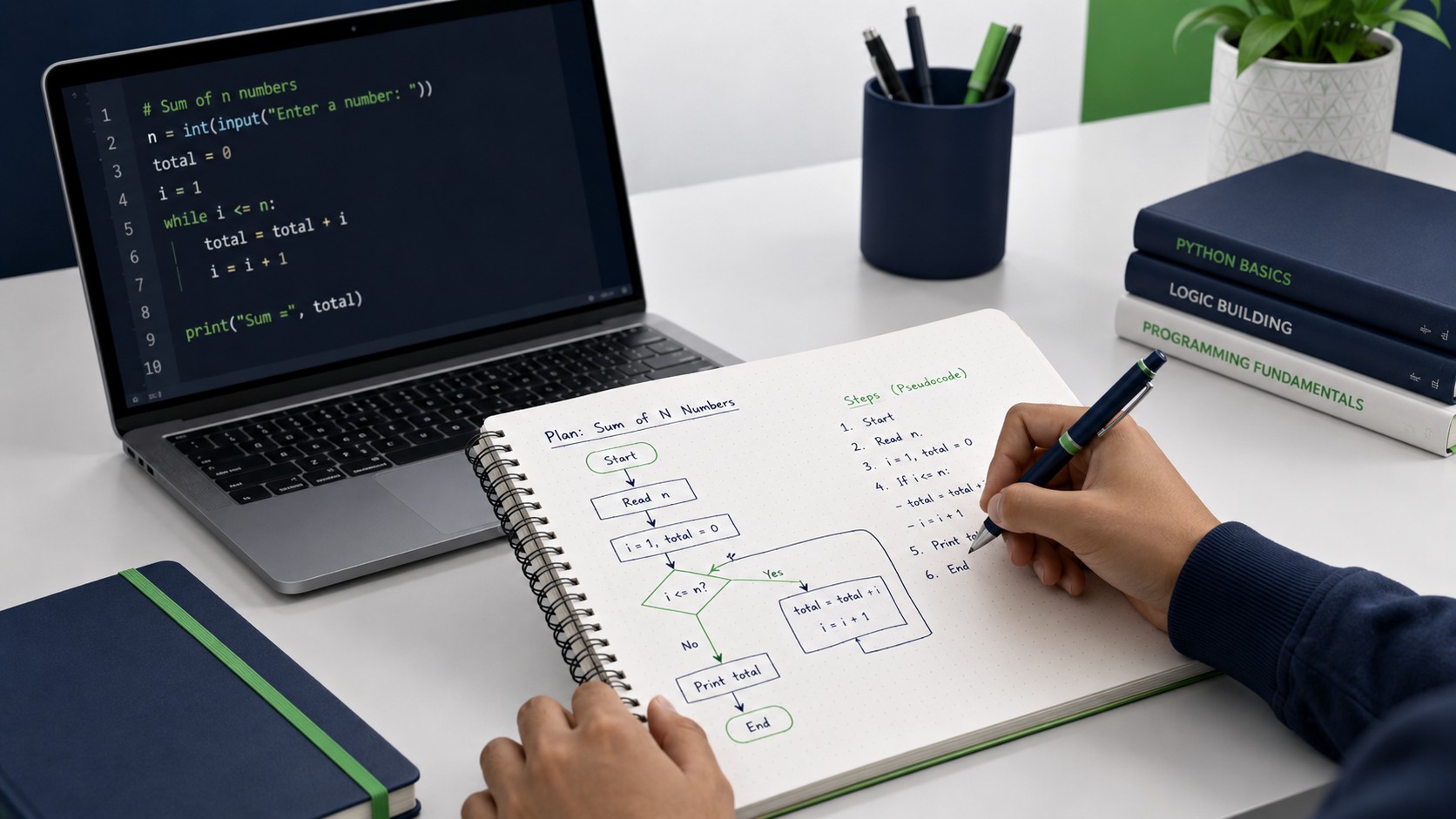
The single biggest difference between beginners who struggle and beginners who succeed is planning. Experienced programmers rarely start typing real code straight away. They sketch the logic first, either on paper or in comments, and only then translate that plan into Python.
Use pseudocode to map the steps
Pseudocode is a plain-language outline of what your program will do, written in a loose, structured way that ignores exact syntax. For a program that finds the average of a list of numbers, your pseudocode might read: create a total set to zero, loop through each number and add it to the total, divide the total by how many numbers there are, then print the result. Once the steps are laid out, writing the actual Python becomes a translation job rather than a creative struggle.
Break big problems into small functions
A long assignment feels impossible when you treat it as one giant task. Break it into small, named pieces instead. If you are building a program to manage a to-do list, you might have one function to add a task, one to remove a task, one to display all tasks, and one to save them to a file. Each function is small enough to write and test on its own, and together they form the whole program.
Test as you go, not at the end
Write a small piece, run it, confirm it works, then move on. This approach means that when something breaks, you know the problem lives in the few lines you just added rather than anywhere in a hundred-line file. Testing incrementally is far less stressful than writing everything and then hunting for a bug in a program that will not even start.
Stuck on a Python assignment right now?
Send us the brief and your current code. We will help you understand where it is going wrong and how to fix it, so you learn the concept and hand in work you can stand behind.
Common Python Errors Beginners Face and How to Fix Them
Errors are not a sign that you are bad at coding. Every professional developer sees error messages constantly. The difference is that experienced coders read the message calmly and use it as a clue. Below are the error types beginners meet most often and what each one usually means.
| Error Type | What It Usually Means | How to Fix It |
|---|---|---|
| SyntaxError | Python cannot understand your code, often a missing colon, bracket, or quote. | Check the line shown and the line above it for a missing symbol. |
| IndentationError | Your spacing is inconsistent, mixing tabs and spaces or misaligning a block. | Use four spaces consistently and align code inside loops and functions. |
| NameError | You used a variable or function that was never defined or was misspelled. | Check spelling and confirm the name exists before you use it. |
| TypeError | You mixed incompatible types, like adding a number to text. | Convert types explicitly, for example using int() or str(). |
| IndexError | You tried to access a list position that does not exist. | Remember lists start at zero and check the list length first. |
Read the error from the bottom up
When Python shows an error, the most useful information is usually on the last line, which names the error type and gives a short description. The lines above show the path your program took to reach the problem. Start at the bottom, understand what went wrong, then trace upward to find where it happened in your code.
Print your way to the truth
When you cannot see why a program misbehaves, add temporary print statements to show the value of variables at different points. Seeing what your code actually contains, rather than what you assume it contains, exposes most bugs quickly. Remove these prints once the problem is solved.
Watch out: Do not copy code you do not understand into your assignment just to make an error disappear. If you cannot explain why the fix works, you will not be able to reproduce it under exam conditions, and unexplained code can raise academic integrity concerns.
Core Python Concepts Every Beginner Assignment Tests
Beginner assignments tend to circle the same handful of concepts. Getting comfortable with these means most first-year tasks become variations on ideas you already know rather than brand-new challenges.
Variables and data types
Storing and labelling information, and knowing the difference between numbers, text, and booleans, underpins everything else you write.
Conditionals
Using if, elif, and else lets your program make decisions and respond differently depending on the data it receives.
Loops
For and while loops repeat actions, letting you process lists, count, and handle any task that needs repetition.
Functions
Packaging code into reusable functions keeps programs organised, easier to test, and far simpler to debug.
Lists, dictionaries, and other collections
Once you can store single values, the next step is storing many. Lists hold ordered sequences, dictionaries pair keys with values, and both appear constantly in beginner assignments. Practising how to add, remove, and loop through these collections pays off across nearly every task you will be set.
Reading and writing files
Many intermediate beginner assignments ask you to read data from a file or save results back to one. Understanding how to open a file, process its contents line by line, and close it safely opens up a whole category of more realistic, useful programs.
Good Habits That Make Python Assignments Easier
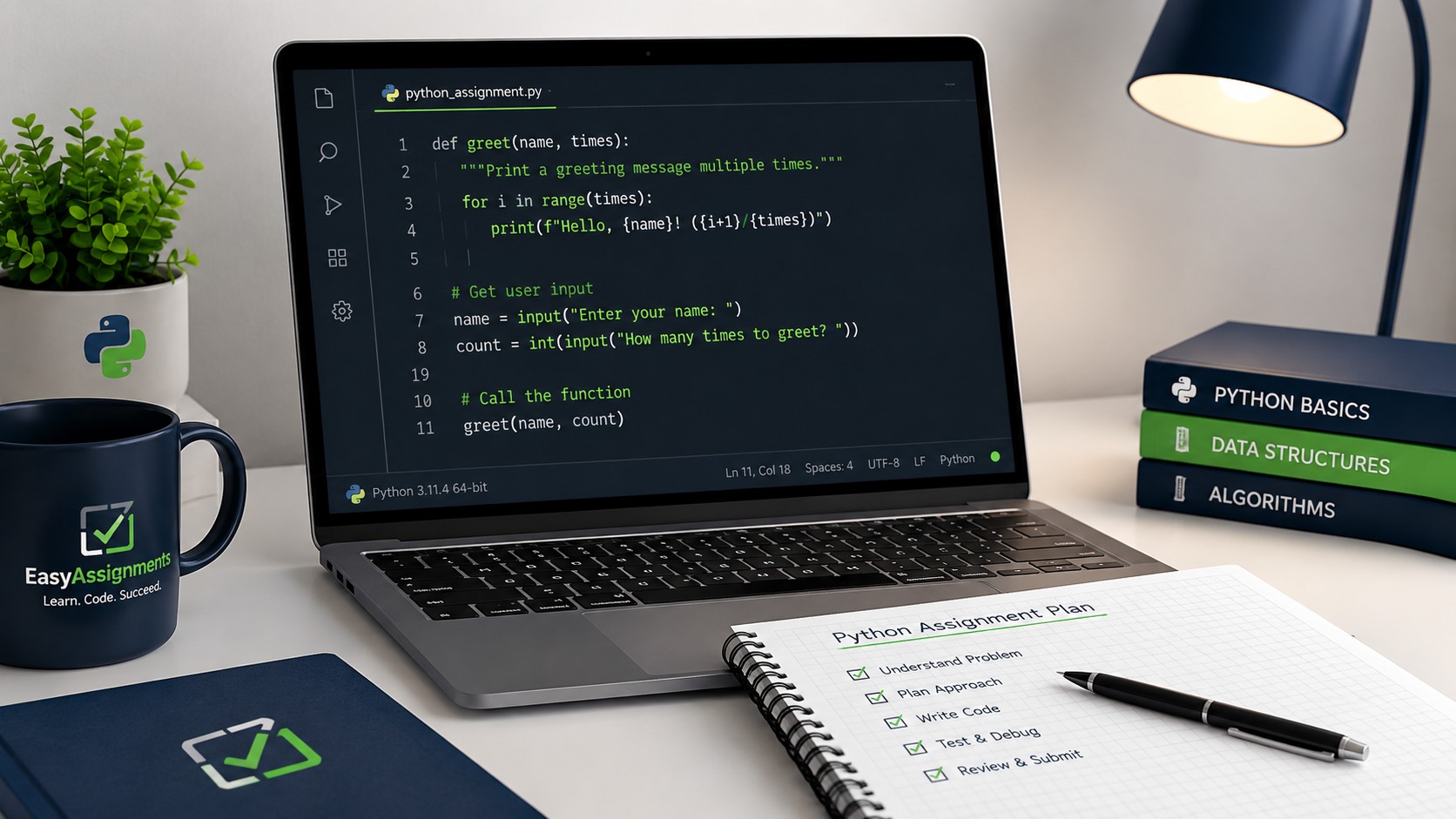
Beyond understanding concepts, a few working habits separate students who dread coding from those who quietly get better every week. None of them require talent, only consistency.
- Write clear comments explaining what each section of code does, so your future self and your marker can follow your reasoning.
- Choose descriptive variable names like total_score instead of x, which makes your code readable and easier to debug.
- Keep your code indented consistently, since Python relies on indentation to understand structure.
- Save versions of your work as you progress, so a broken change never wipes out an hour of effort.
- Practise a little regularly rather than cramming, because programming skill builds through repetition, not intensity.
Learn to use the official documentation
Beginners often forget that Python has thorough, free documentation. When you are unsure how a function behaves, reading the official docs teaches you to find answers independently, a skill that matters far more in the long run than memorising every detail. Getting comfortable with documentation early makes you a self-sufficient programmer.
Test with unexpected input
Your program should not only work when everything goes right. Try feeding it empty input, negative numbers, or text where a number is expected, and see how it responds. Markers frequently test these edge cases, and handling them gracefully often separates a good grade from an average one.
When to Ask for Python Assignment Help
Asking for help is a smart move, not a weakness, but timing and approach matter. The aim is always to come away understanding more, not less.
Try first, then ask
Before reaching out, spend genuine effort attempting the problem. Write down what you tried, what error you got, and what you expected to happen. When you do ask, this context lets a tutor pinpoint your misunderstanding quickly and gives you a far more useful answer than a blank request would.
Ask about the concept, not just the answer
A good question sounds like why does my loop stop early, not just fix my code. When you focus on understanding the underlying idea, the help you receive transfers to future assignments. EasyAssignments approaches Python support this way, walking through the logic so the concept sticks rather than simply delivering a finished file.
Remember: Every experienced programmer was once a beginner staring at a confusing error. Getting stuck is part of learning to code, not evidence that you cannot do it. The students who improve are simply the ones who keep going and ask good questions.
Frequently Asked Questions
Is Python really the best language for beginners?
For most learners, yes. Python programming assignment help is popular partly because the language reads clearly, requires little setup, and lets you focus on problem-solving instead of complex syntax. The concepts you learn also transfer well to other languages later.
How long does it take to get comfortable with Python?
Most beginners feel confident with the basics after a few weeks of steady, regular practice. Comfort comes from writing many small programs rather than reading about the language, so consistent effort matters more than long, occasional sessions.
What should I do when my code will not run at all?
Read the last line of the error message first, since it names the problem, then check the line number it points to. Most beginner errors are small mistakes like a missing colon, a misspelled variable, or inconsistent indentation.
Can EasyAssignments help me understand my assignment, not just complete it?
Yes. Our approach focuses on explaining the logic and the concepts behind your task so you can reproduce the work yourself. You can talk to support or request a free quote to get started.
Turn Python Confusion Into Confidence
Get beginner-friendly Python programming assignment help that explains the logic, fixes the errors, and helps you hand in work you understand. Start with a free quote today.