Debug My Python Assignment Online: A Complete Student Guide
When you need to debug your Python assignment online, the difference between a lost weekend and a quick fix usually comes down to method. Reading the error correctly, isolating the broken line, and testing one change at a time will solve most bugs faster than random guessing ever could.
This guide walks you through a repeatable debugging process, the free tools that make it easier, the most common Python errors students hit, and how to know when it is time to bring in expert help so your deadline stays intact.
Why You Need to Debug Your Python Assignment Online
Almost every Python assignment breaks at some point. You write what looks like perfectly reasonable code, hit run, and the terminal answers with a wall of red text or a result that is quietly wrong. That moment is normal, and it happens to professionals just as often as it happens to first-year students. The skill that separates confident coders from frustrated ones is not writing bug-free code the first time, it is knowing how to debug efficiently when things go sideways.
Searching for a way to debug your Python assignment online is a smart move because it opens up a huge toolkit: interactive interpreters, online IDEs, community forums, and structured tutoring. The trick is knowing which tool to reach for and when. This guide gives you a clear order of operations so you stop guessing and start solving. Whether your code throws an exception on line one or silently produces the wrong output on a data set, the same disciplined approach applies.
Debugging is also one of the most transferable skills in your entire degree. Employers rarely ask whether you memorized syntax, but they absolutely care whether you can find and fix a problem under pressure. Every hour you spend learning to debug well is an hour invested in your future career, not just this week's grade.
Understand the Three Types of Python Errors
Before you can fix a bug, you need to know what kind of bug you are dealing with. Python problems fall into three broad categories, and each one calls for a slightly different response. Confusing them is one of the most common reasons students waste time on the wrong fix.
Syntax Errors
A syntax error means Python cannot even understand your code well enough to run it. The interpreter stops before executing a single line and points at the spot where the grammar broke. Missing colons after an if or def statement, unbalanced brackets, and stray quotation marks are classic culprits. The good news is that syntax errors are usually the easiest to fix because Python tells you roughly where the problem lives, often with a caret pointing at the offending character.
Runtime Errors (Exceptions)
Runtime errors happen while your program is running. The syntax is valid, so Python starts executing, then hits something it cannot do, such as dividing by zero, opening a file that does not exist, or calling a method on a value that is None. These show up as exceptions with names like ValueError, TypeError, KeyError, and IndexError. They come with a traceback that tells you exactly where the crash happened and what triggered it.
Logic Errors
Logic errors are the sneakiest of all because your program runs to completion without complaint, but the answer is wrong. Maybe your loop counts one item too few, your average is off, or your sorting function returns items in the wrong order. Python cannot warn you about these because nothing technically broke. Catching logic errors requires you to test against known correct results and trace the flow of your data by hand or with print statements.
Quick rule: If your code will not start, it is likely a syntax error. If it starts and then crashes, it is a runtime error. If it finishes but gives the wrong answer, it is a logic error. Naming the category first saves you from chasing the wrong fix.
How to Read a Python Traceback
The traceback is the block of text Python prints when an exception occurs, and it is the single most useful debugging asset you have. Many students panic at the red text and scroll past it, but the traceback is essentially a map straight to your bug. Learning to read it well will cut your debugging time dramatically.
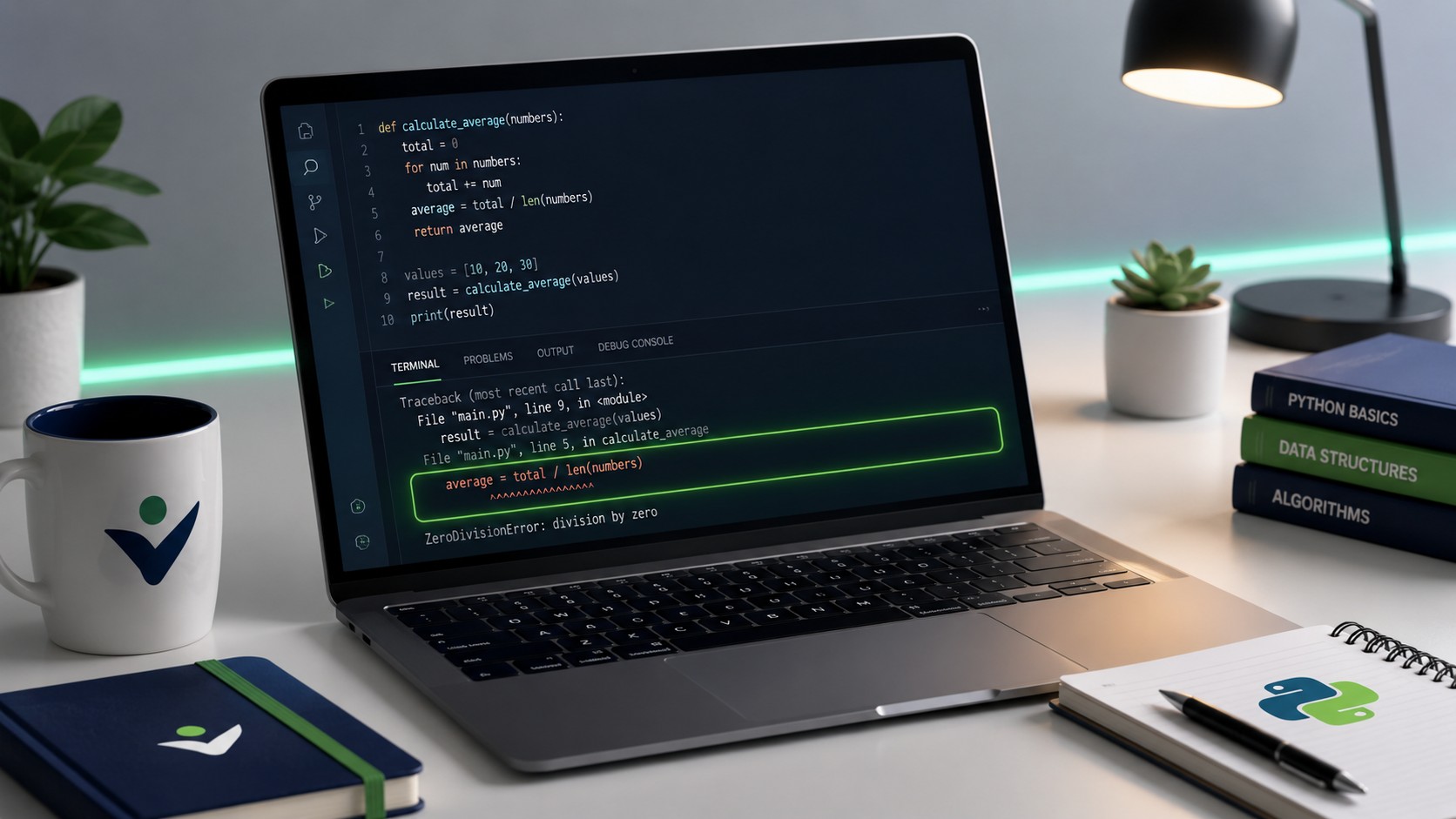
The most important line is almost always the last one. It names the exception type and gives a short message explaining what went wrong. Read that first. A message like ZeroDivisionError: division by zero tells you both the category and the cause in a few words. Once you understand the final line, you rarely need to guess.
Above the final line, Python lists the call stack, showing the chain of function calls that led to the error. Read it from the bottom up. The bottom frame is usually inside your own code and points to the exact file and line number where the crash happened. Higher frames may be inside library code you did not write, which is a strong hint that your data or arguments, not the library itself, are the problem.
Here is a practical routine for every traceback you meet:
- Read the last line to learn the exception type and message.
- Find the lowest line number that belongs to your own file.
- Open that line and inspect the variables involved right before it runs.
- Re-run with a print statement or debugger to confirm the actual values.
A Step-by-Step Process to Debug Your Python Assignment
Random edits are the enemy of good debugging. When you change three things at once and the error moves, you have no idea which change mattered. Instead, follow a disciplined loop that isolates the problem and confirms each fix before moving on.
Step 1: Reproduce the Bug Reliably
You cannot fix what you cannot trigger on demand. Find the exact input, button click, or function call that produces the error every single time. If a bug appears only sometimes, note the conditions under which it shows up. A reliably reproducible bug is already half solved.
Step 2: Read and Categorize the Error
Apply what you learned about tracebacks and error types. Name the category and note the line number. Resist the urge to start typing fixes before you understand what Python is actually telling you.
Step 3: Isolate the Failing Section
Comment out unrelated code, or copy the smallest failing piece into a fresh file. When you shrink the problem down to a handful of lines, the cause usually becomes obvious. This technique, sometimes called creating a minimal reproducible example, is also exactly what you would post if you asked for help online.
Step 4: Inspect Your Variables
Add print statements to reveal what your variables actually hold, or use a debugger to pause execution and look. Most logic errors dissolve the moment you see that a variable you assumed was a number is actually a string, or a list you thought had ten items has zero.
Step 5: Make One Change and Re-Test
Change a single thing, run the code, and observe. If the change helped, keep it. If it did not, undo it before trying the next idea. This one-change discipline is what keeps debugging from turning into an unpredictable mess.
Watch out: Copying a fix from a forum without understanding it often creates a second, harder bug. If you cannot explain why a change works, treat it as a clue rather than a final answer, especially on graded assignments where you may be asked to defend your code.
Free Tools to Debug Python Code Online
You do not need expensive software to debug effectively. Several free tools cover the vast majority of student debugging needs, and most run right in your browser so you can test a snippet without installing anything.
Python ships with its own built-in debugger, and the official documentation for it lives at https://docs.python.org/3/library/pdb.html. The pdb module lets you pause your program, step through it line by line, and inspect variables at each stage without adding a single print statement. For visual learners, an online tool that animates code execution step by step can make abstract control flow suddenly concrete, and you can find one at https://pythontutor.com.
Community knowledge is another huge asset. When you hit an error message you have never seen, chances are thousands of others hit it before you. Searching the exact message text often lands you on a detailed explanation, and the developer question site at https://stackoverflow.com remains one of the richest sources of worked answers for specific Python errors.
| Tool Type | Best For | When to Use It |
|---|---|---|
| Built-in debugger (pdb) | Stepping through logic line by line | Runtime and logic errors in longer scripts |
| Online code visualizer | Seeing how variables change over time | Understanding loops, recursion, and data flow |
| Print statements | Quick checks with zero setup | Fast inspection of a suspected variable |
| IDE debugger | Breakpoints and variable panels | Larger assignments with multiple files |
| Community forums | Decoding unfamiliar error messages | When an exception message is unclear |
Stuck on a Bug That Will Not Budge?
Some errors resist every trick in the book, and deadlines do not wait. Our team can review your Python assignment, fix the bug, and explain the correction so you understand it.
Common Python Errors Students Face and How to Fix Them
A handful of errors account for most of the debugging headaches students report. Recognizing them on sight saves enormous time, because once you know the pattern, the fix is usually quick.
IndentationError
Python uses indentation to define blocks, so a stray space or a mix of tabs and spaces will break your code. Configure your editor to insert spaces when you press tab, and keep your indentation consistent throughout a file. If you see this error, look for a line that is indented differently from its neighbors.
TypeError
This appears when you use a value in a way its type does not allow, such as adding a number to a string or calling something that is not a function. The fix is usually to convert the value with int(), str(), or float(), or to check where the wrong type sneaked in.
IndexError and KeyError
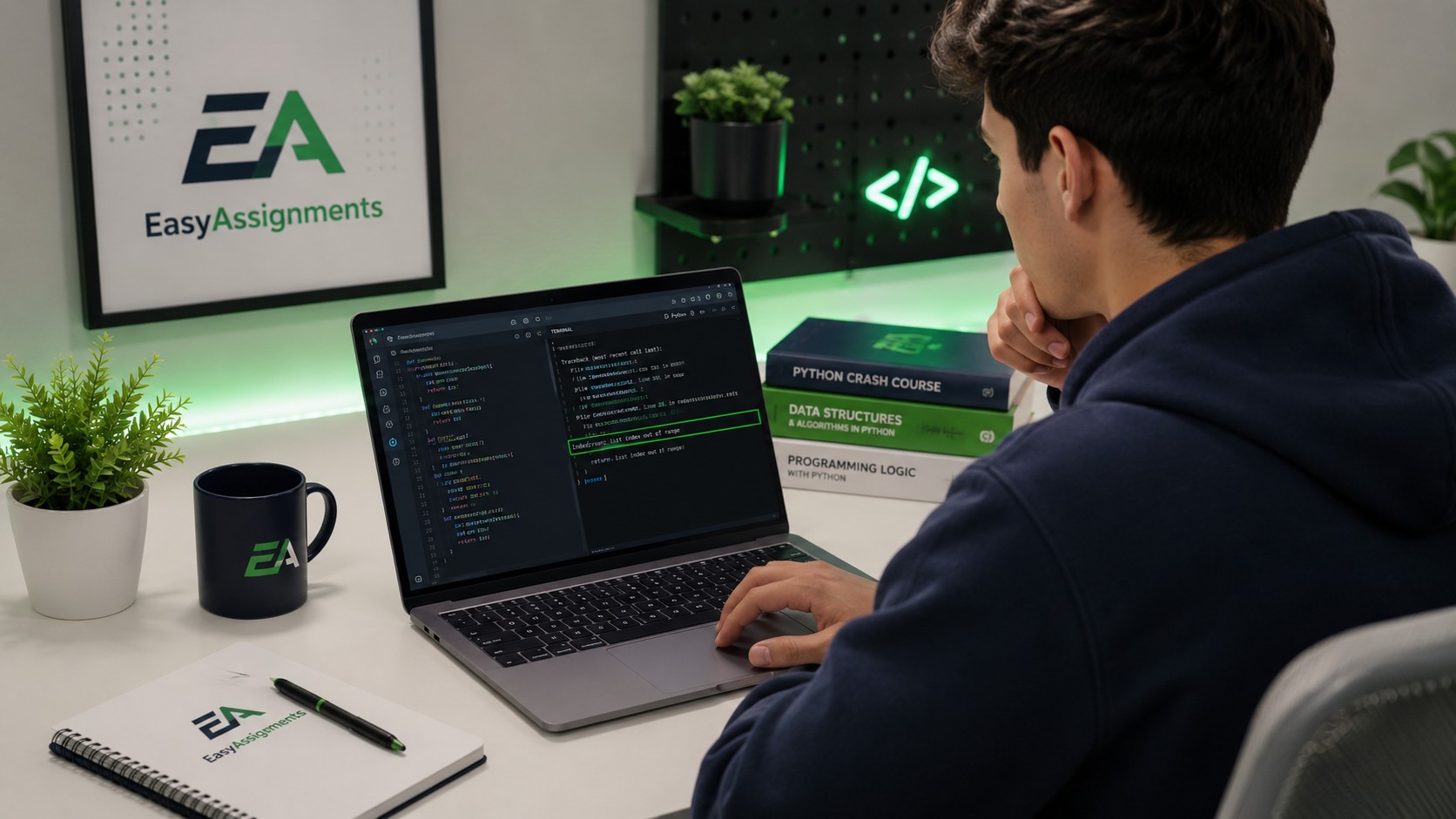
An IndexError means you asked for a list position that does not exist, often because a loop ran one step too far. A KeyError means you requested a dictionary key that is not present. Both are fixed by checking the size of your data and confirming the exact keys or indices you expect to be there.
NameError
This means you used a variable or function name that Python has never seen, usually because of a typo or because you referenced it before defining it. Check your spelling and confirm the definition appears earlier in the file than the point where you use it.
Prevent Bugs Before They Happen
The best debugging is the debugging you never have to do. A few habits, built into how you write code from the start, will spare you hours of frustration later. None of them require extra tools, only a little discipline.
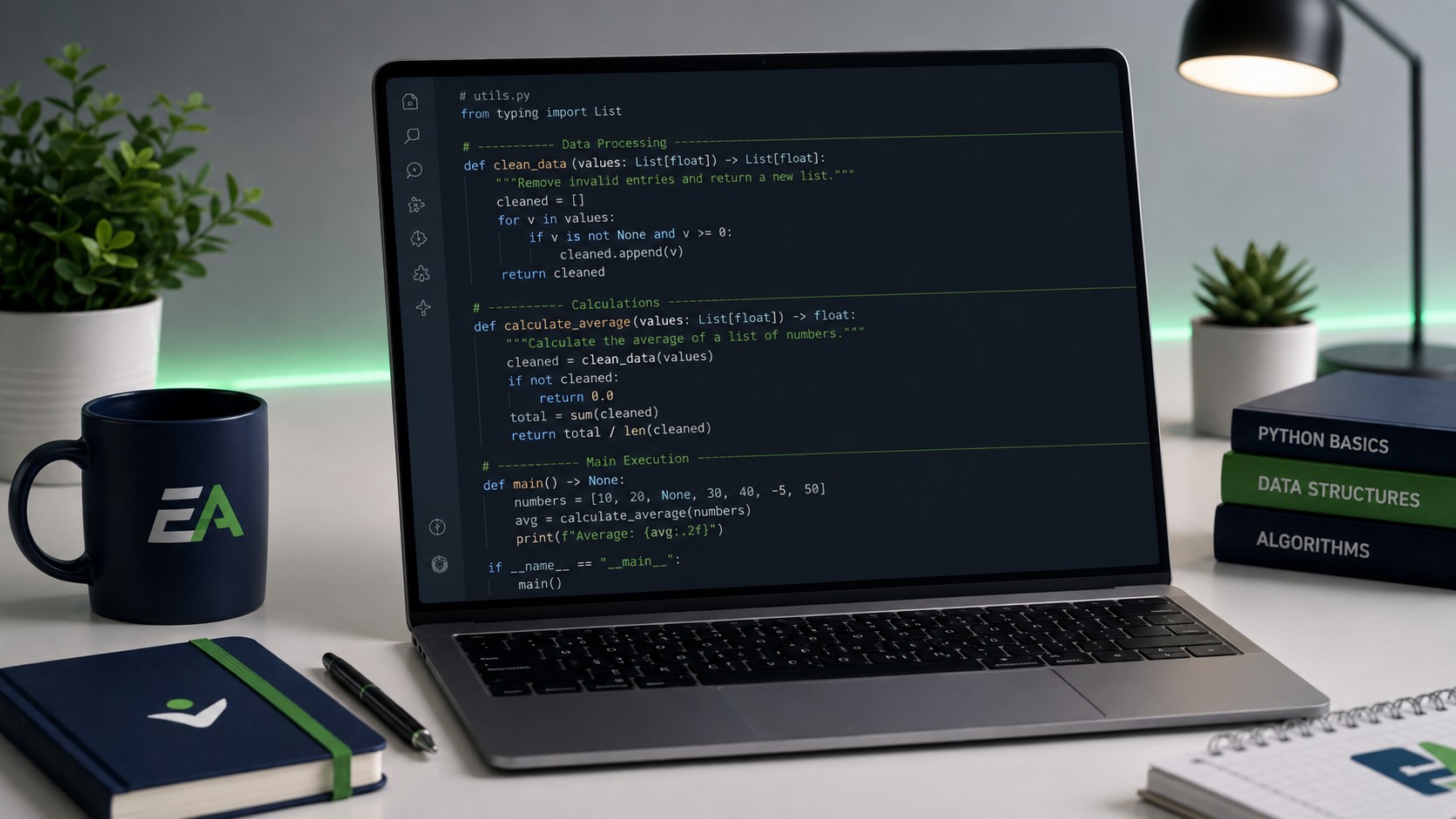
Write and test in small pieces rather than typing the whole assignment and running it once at the end. If you add one function, test it immediately with a simple input before moving on. When a bug appears in a ten-line addition, you know exactly where to look, whereas a bug in three hundred untested lines could be anywhere.
Use meaningful variable names so your code explains itself. A variable called total_score is far easier to reason about than one called x. Add short comments that describe why a section exists, not just what it does, and your future self will thank you when you revisit the code under deadline pressure.
- Test each function as soon as you write it.
- Use descriptive variable and function names.
- Keep functions short and focused on one task.
- Handle edge cases like empty lists and zero values on purpose.
- Save versions of working code before making big changes.
When to Get Expert Help to Debug Your Python Assignment
Independent debugging is a valuable skill, but there are moments when reaching out is the wiser choice. If a deadline is looming and you have spent hours circling the same error, expert help can save both your grade and your sanity. There is no shame in asking for a second pair of eyes, professional developers do it constantly through code review.
Good help does more than hand you a fixed file. It explains what was wrong, why the fix works, and how to avoid the same class of bug next time. That way you leave the interaction a stronger programmer, not just a student with one working assignment. When you choose support, look for a service that returns clean, commented code and is willing to walk you through the reasoning.
Deadline Pressure
When the clock is running out and the bug will not yield, expert review gets you across the line on time.
Concept Gaps
If the bug reveals something you never fully understood, a clear explanation fills the gap for good.
Complex Assignments
Multi-file projects with libraries and data pipelines benefit from an experienced second look.
Clean, Explained Fixes
You receive corrected code with comments so you can defend and reuse the solution later.
Frequently Asked Questions
Can someone debug my Python assignment online for me?
Yes. You can share your code and the error you are seeing, and an experienced developer can identify the bug, fix it, and explain the correction. The best support also comments the code so you understand the change rather than just receiving a working file.
How do I debug my Python code without any tools?
Print statements are the simplest option. Add lines that print the value of key variables at different points in your program, run it, and compare what you see with what you expected. This reveals where reality diverges from your assumptions and requires no extra software.
Why does my Python code run but give the wrong answer?
That is a logic error. Your syntax is valid and nothing crashes, but the underlying reasoning is off, perhaps an incorrect formula, a loop that stops early, or a condition that is reversed. Test your code against inputs where you already know the correct output to pinpoint where it goes astray.
Is it okay to ask for help to debug my assignment?
Asking for help to understand and fix your code is a normal part of learning to program. The goal is to come away understanding the fix so you can apply the lesson yourself next time, which is exactly how professional developers grow through peer review.
Ready to Fix That Python Bug for Good?
Stop losing hours to a stubborn error. Send us your assignment and the error you are stuck on, and get clean, commented, working code with an explanation you can actually learn from.