
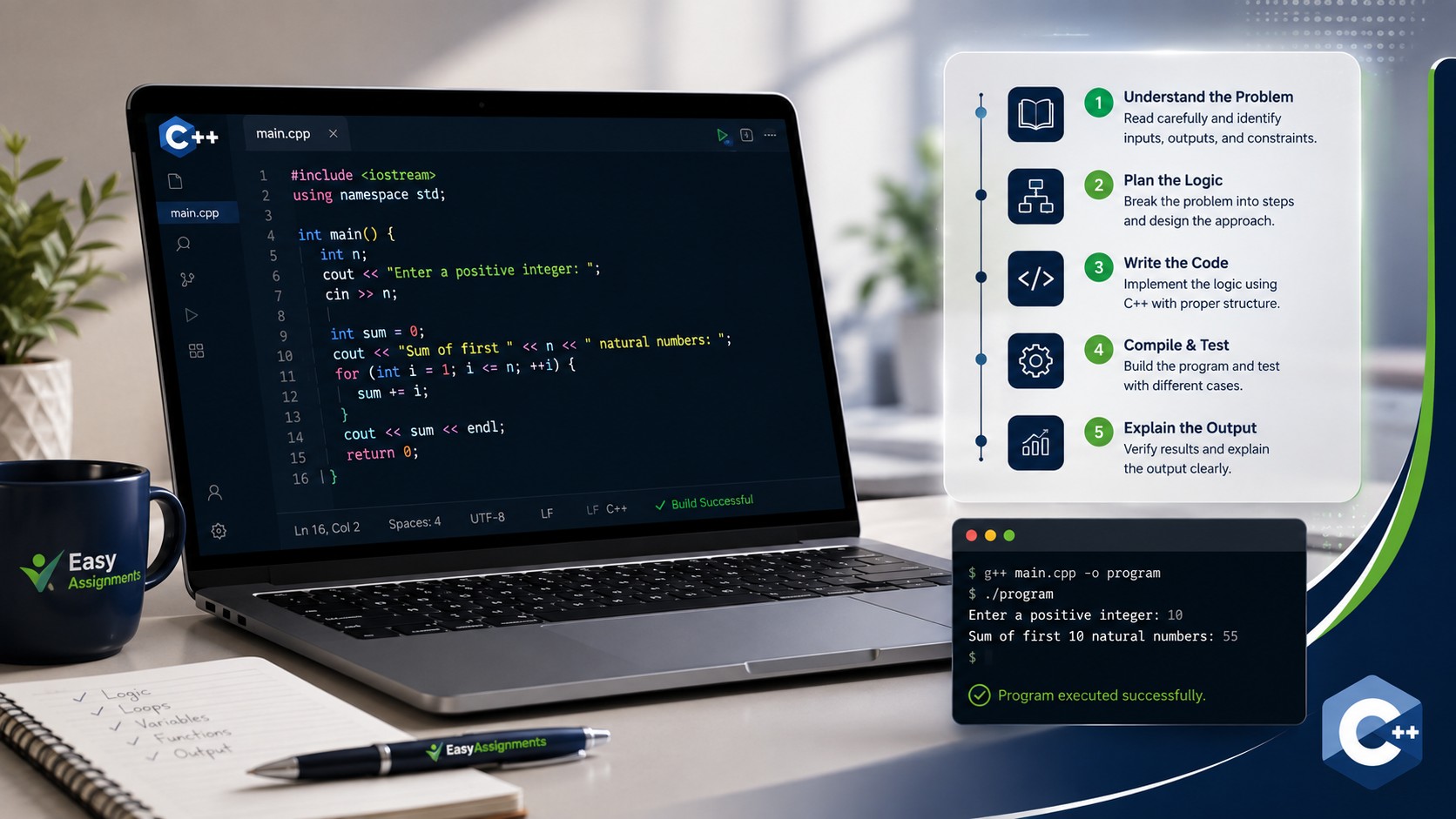
Get C++ Homework Help With Step by Step Explanation
C++ homework help with a real step by step explanation means you finish the assignment and actually understand it. Instead of pasting code you cannot read, you learn how pointers, loops, classes, and memory fit together, so the next problem feels easier.
This guide walks through how to break down a C++ assignment, solve it in clear stages, avoid the mistakes that cost marks, and know when expert help is worth it. Whether you are stuck on your first "Hello World" or a full data structures project, the same approach applies.
Why C++ Homework Feels So Hard
C++ has a reputation, and it is mostly earned. It is a powerful language used for game engines, operating systems, embedded devices, high frequency trading systems, and performance critical software of every kind. That power comes from giving the programmer direct control over memory and hardware, and that control is exactly what makes it difficult to learn. Getting reliable C++ homework help with step by step explanation is often the difference between a passing grade and a growing pile of confusion.
Most students do not struggle because they are lazy or unintelligent. They struggle because C++ layers several hard ideas on top of each other at the same time. You are expected to understand syntax, memory management, object oriented design, the standard library, and the compiler's error messages all at once. Miss any one of these and the whole program can refuse to build over a single missing semicolon or a mismatched bracket.
Here are the concepts that most often send students looking for help:
- Pointers and references, and the difference between them
- Dynamic memory with new and delete, and the leaks that follow
- Classes, constructors, destructors, and the rule of three or five
- Templates and generic programming
- The Standard Template Library, including vectors, maps, and iterators
- Recursion and thinking about a problem in terms of smaller versions of itself
- Reading compiler and linker errors that seem written in another language
The good news is that none of these are impossible. They simply need to be taken one at a time, with a clear explanation of what each line does and why. That is what a step by step approach delivers, and it is the philosophy behind everything below.
Key idea: The goal of good C++ homework help is not just a working file. It is understanding. If you can explain your own solution back to a classmate, you have truly learned it, and that is what protects your grade in exams and vivas.
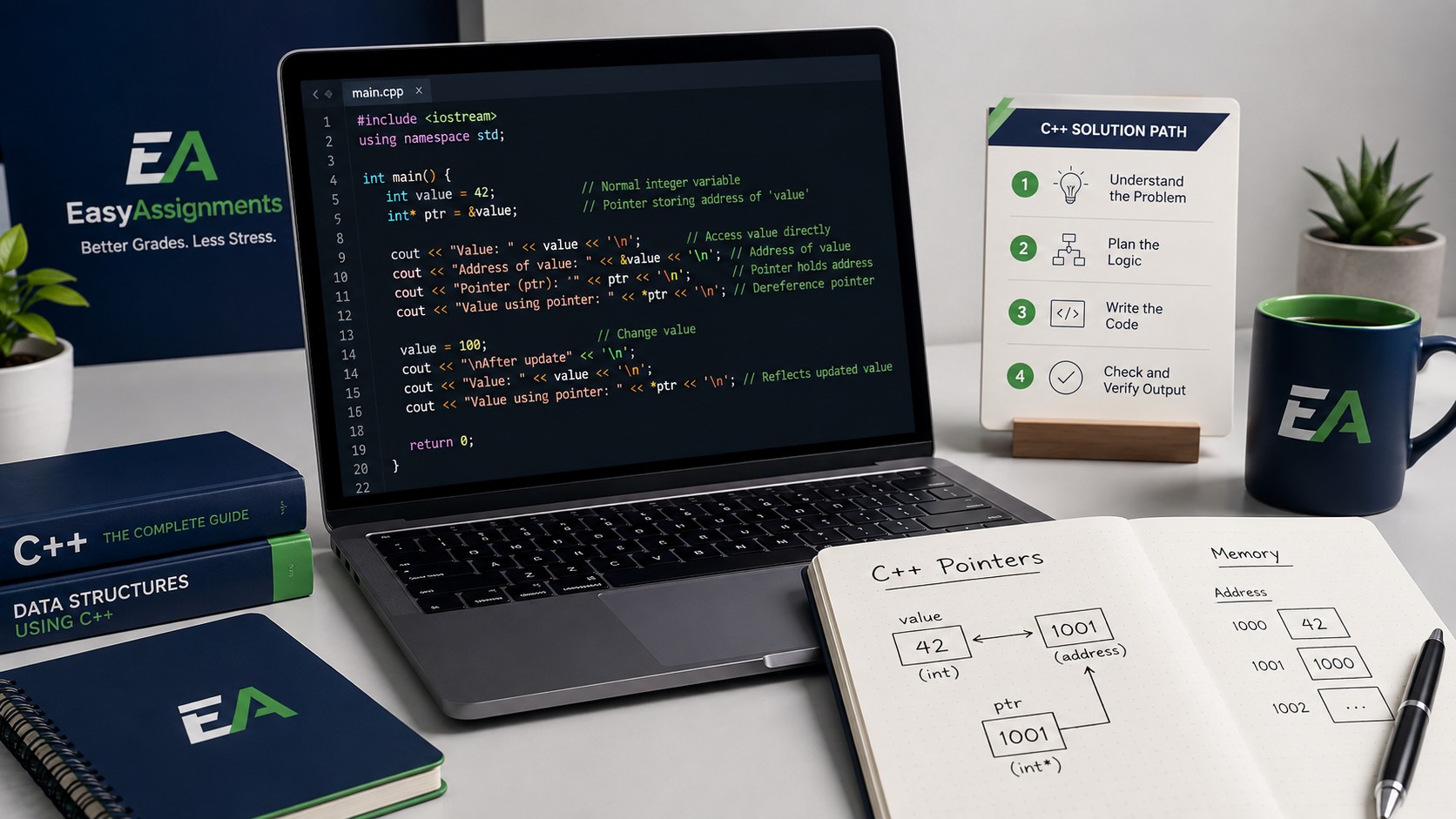
A Step by Step Method for Any C++ Assignment
Whether your task is a small function or a full program with multiple files, the same repeatable process works. Rushing straight to the keyboard is the single most common reason students get stuck. A little structure early saves hours of frustration later.
Read the problem twice before writing any code
Read the assignment brief once for the general idea, then again slowly with a pen. Underline exactly what the program must do, what inputs it receives, and what output is expected. Many marks are lost not because the code is wrong, but because it solves a slightly different problem than the one that was set. If the brief says "read integers until the user enters zero," note that the zero is a stopping signal and not part of the data.
Plan on paper before you touch the compiler
Sketch the logic in plain English or pseudocode. Decide what functions you need, what each one takes in and returns, and how data flows between them. For example, a program that grades a class might need a function to read scores, a function to calculate an average, and a function to print results. Planning this on paper turns one giant scary problem into three small, obvious ones.
Write the smallest thing that compiles
Start with an empty main function that compiles and runs, even if it does nothing useful. Then add one small piece at a time and compile after each change. This is the secret weapon of experienced programmers: you are never more than a few lines away from your last working version, so when something breaks you know exactly what caused it.
Test with simple inputs first
Before you throw a hundred values at your program, test it with two or three you can verify by hand. If your average function gives the wrong answer for the numbers 2, 4, and 6, you do not need a huge dataset to see there is a bug. Small, known inputs make problems visible.
Read the compiler errors carefully
C++ error messages look intimidating, but they almost always point to the real problem. Read them from the top down, because the first error often causes the ones below it. Focus on the file name and line number, then the short description. Over time you will recognize patterns like "undefined reference" meaning a function was declared but not defined, or "expected ; before" meaning a missing semicolon on the line above.
Watch out: Copying a full solution you do not understand is the fastest way to fail a follow up question or a code review. If you use any help, make sure you can explain every line in your own words before you submit.
Common C++ Topics and How to Approach Them
Different assignment types trip students up in different ways. Below is a quick reference for the topics that generate the most C++ homework help requests, and the mindset that makes each one click.
| Topic | What Trips Students Up | How to Approach It |
|---|---|---|
| Pointers & References | Confusing the address with the value, and dereferencing errors | Draw boxes and arrows on paper. A pointer holds an address; the star reads what is there. |
| Dynamic Memory | Forgetting to delete, causing leaks and crashes | Every new needs a matching delete. Prefer smart pointers or vectors where allowed. |
| Classes & Objects | Constructors, destructors, and access levels | Think of a class as a blueprint. Build one small class fully before adding features. |
| STL Containers | Choosing the wrong container or misusing iterators | Start with vector and map. Learn iterators with simple range based for loops first. |
| Recursion | Missing base cases and infinite loops | Always define the stopping condition first, then the smaller step toward it. |
| File Handling | Streams not opening or reading incorrectly | Always check if the file opened before reading, and close it when done. |
Notice a pattern in that final column: almost every fix starts with slowing down, drawing the problem, and handling one small piece before the next. That is the entire philosophy of step by step learning compressed into a table.
Stuck on a C++ Assignment Right Now?
Send us your brief and get a clean, fully explained solution you can actually learn from. Every line commented, every concept broken down.
A Worked Example: Understanding a Simple Program
To show what step by step explanation looks like in practice, consider a small program that reads numbers from the user and prints their average. We will not just show working code; we will explain what each part is doing and why, which is exactly how good help should read.
Step one: set up the structure
Every C++ program needs a main function, and to read input and print output we include the input output stream library. Think of this include as importing the tools you need before you start the job. The main function is where the program begins running, and returning zero at the end signals to the operating system that everything finished successfully.
Step two: declare your variables
Before we can add numbers up, we need somewhere to store the running total and a count of how many numbers we have seen. We choose a floating point type for the total so that the average can hold decimals, and an integer for the count because you cannot read half a number. Choosing the right type up front prevents a whole category of bugs where whole number division quietly throws away the fractional part.
Step three: build the loop
We use a loop to keep reading numbers until the user signals they are done, often by entering a sentinel value like a negative number or zero. Inside the loop we add each number to the total and increase the count by one. The key insight for beginners is that the loop body runs many times, but the variables outside it remember their values between runs. That memory is what lets a total accumulate.
Step four: calculate and guard against errors
After the loop, the average is simply the total divided by the count. But there is a trap: if the user entered no numbers at all, the count is zero, and dividing by zero causes undefined behaviour. A careful solution checks whether the count is greater than zero before dividing, and prints a friendly message otherwise. Spotting edge cases like this is often the difference between a passing grade and a top one.
Learning tip: When you receive an explained solution, retype it yourself rather than copying and pasting. The act of typing each line forces you to read it, and you will catch things your eyes skip over when you only scan.
Common Mistakes That Cost Students Marks
Some errors show up again and again in student C++ code. Knowing them in advance means you can check for them before you submit, which is one of the easiest ways to protect your grade.
- Using a variable before giving it a value, which produces garbage results that change every run
- Mixing up the assignment operator with the equality operator inside conditions
- Going one step past the end of an array, a classic off by one error
- Forgetting to free memory allocated with new, causing leaks in longer programs
- Returning a pointer or reference to a local variable that no longer exists after the function ends
- Ignoring compiler warnings, which are often early signs of real bugs
- Poor formatting and no comments, which lose easy marks and make debugging harder
Most of these are avoidable with habits rather than genius. Compile often, initialize every variable, comment your intent, and test edge cases. Graders reward clean, readable code that clearly does what the brief asks, even when a flashier but confusing solution would technically work.
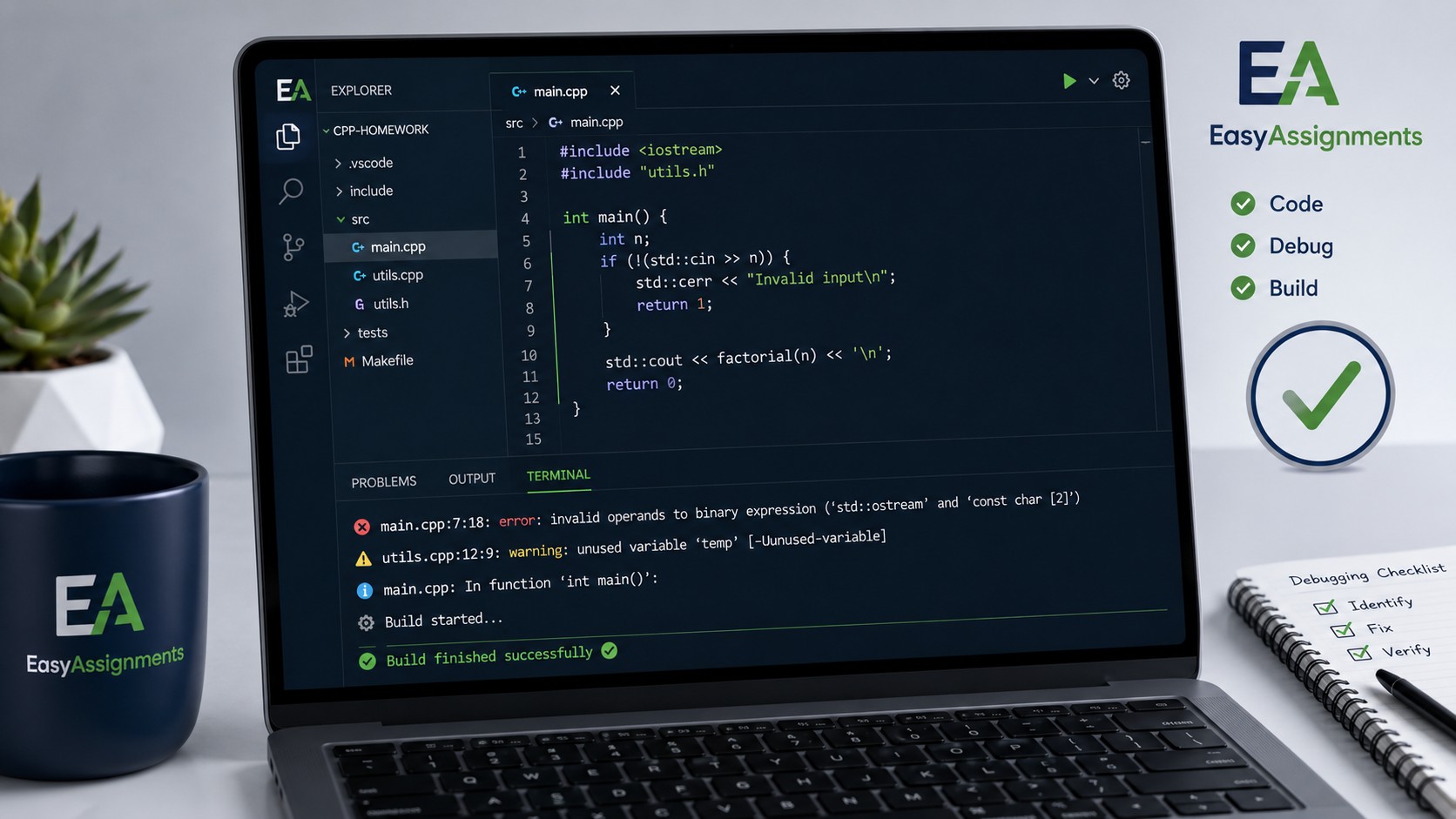
Free Tools and Habits That Make C++ Easier
Before or alongside any paid help, a handful of free resources and habits will sharpen your skills quickly. Building a small toolkit around your assignments pays off in every future course.
Use a good compiler and read every warning
Popular free compilers like GCC and Clang give detailed feedback if you ask for it. Turn on extra warning flags where you can, and treat warnings as gentle bug reports rather than noise. A program that compiles with no warnings is far more likely to behave.
Learn to use a debugger, even a little
A debugger lets you pause your program and watch variables change step by step. Even knowing how to set one breakpoint and inspect a value will save you from scattering print statements everywhere. Most modern editors have a debugger built in, and reference sites such as cppreference.com are excellent for checking exactly how a standard library function behaves.
Practice small problems regularly
Short daily practice beats one long cramming session. Solving small, self contained problems builds the pattern recognition that makes bigger assignments feel routine. When a concept refuses to stick, that is the moment structured, explained help is most valuable, because a single clear walkthrough can unlock weeks of confusion.
When to Get Professional C++ Homework Help
Doing the work yourself is always the goal, but there are times when getting expert C++ homework help with step by step explanation is the smart move rather than a shortcut. It is not about avoiding effort; it is about learning efficiently when you are genuinely stuck or short on time.
You are truly stuck
You have read the notes, tried the examples, and still cannot see why your code fails. A clear explanation can save hours.
Deadlines are colliding
When several assignments land at once, expert help keeps one subject from sinking the rest of your semester.
You want to learn, not cheat
A fully explained, commented solution acts like a private tutorial you can study and reuse in exams.
The topic is advanced
Templates, multithreading, or complex data structures often need a guided walkthrough to click.
Good help should always leave you more capable, not more dependent. That means solutions that are explained, formatted, and commented so you can follow the logic, not just black box code dumped into a file. If you decide expert support is right for your situation, you can get a free quote or talk to our support team about exactly what you need.
Frequently Asked Questions
Can I get C++ homework help with step by step explanation for beginners?
Yes. Beginner friendly help is often the most requested, and solutions can be written with detailed comments and plain English explanations so that someone new to C++ can follow every line and learn the underlying concepts.
Will the code actually compile and run correctly?
A quality solution should compile cleanly and produce the expected output for the inputs described in your brief. Always test it in the same environment your course uses, since compiler versions and settings can differ between systems.
Is getting help with C++ homework considered cheating?
Using help to understand concepts, learn from worked examples, and check your own work is a normal part of studying. Follow your institution's academic policy, and treat explained solutions as learning material rather than something to submit without understanding.
What kinds of C++ assignments can be covered?
Help can span the full range, from basic syntax and loops to pointers, classes, templates, the Standard Template Library, file handling, recursion, and larger multi file projects. The same step by step approach scales from simple functions to complex programs.
Turn a Confusing C++ Assignment Into One You Understand
Get a clean, fully explained solution built around your exact brief and deadline, so you finish the work and actually learn from it.